
- Store
BD/DVD
Video
Mobile
- Windows Software
- iPhone Data Recovery
- iPhone Transfer
- Mac software
- iPhone Data Recovery for Mac
- iPhone Manager for Mac
PDF
- Windows Software
- PDF Converter Ultimate
- Mac software
- PDF Converter for Mac
Freeware
- Support
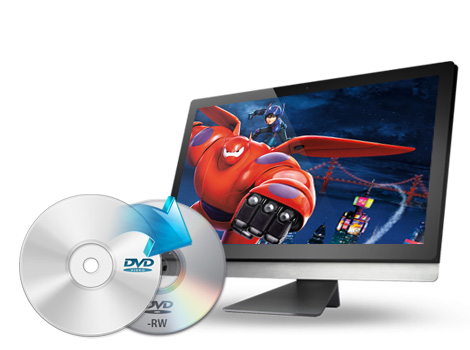
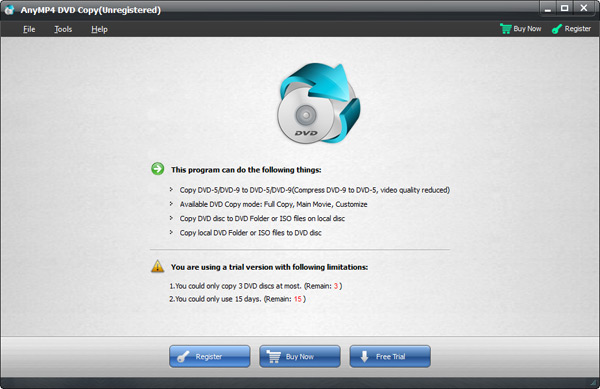
As its basic function, this DVD cloner can help you copy DVD disc in 1:1 ratio, from DVD-5 to DVD-5 or DVD-9 to DVD-9. It also enables you to compress DVD-9 to DVD-5 with high quality.
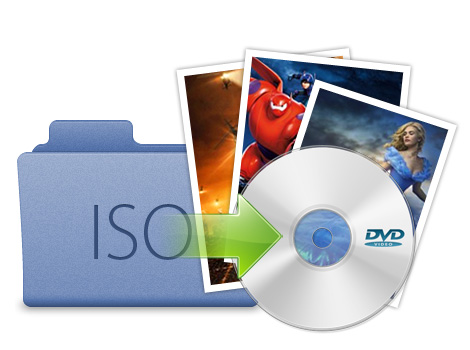
This DVD movies copy tool not only can copy DVD to computer, but also enables you to backup DVD disc to DVD folder or ISO image files onto local hard drive.
This best DVD Copy software enables you to load DVD folder or ISO image files and then burn to blank DVD disc. Thus you can backup your favorite DVD movies to computer and burn them to DVD disc and share with friends at any time in the future.
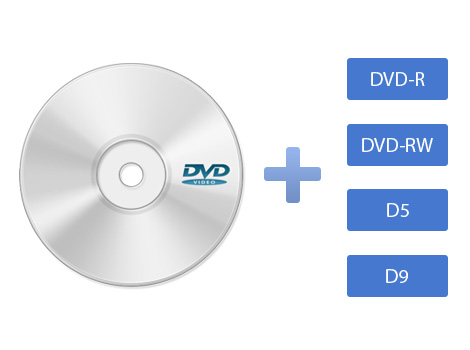
This DVD copier supports DVD+R, DVD-R, DVD+RW, DVD-RW, DVD-RAM and other types. Single Layer and Dual Layer DVD discs are all supported, and this tool works well with most DVD players and burners.
With this all-in-one iCoolsoft DVD Copy, you can easily finish all the DVDs copy, clone, backup, duplicate related tasks.
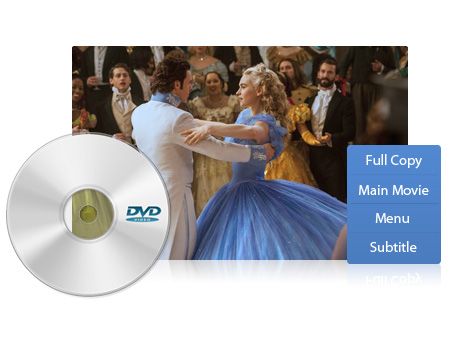
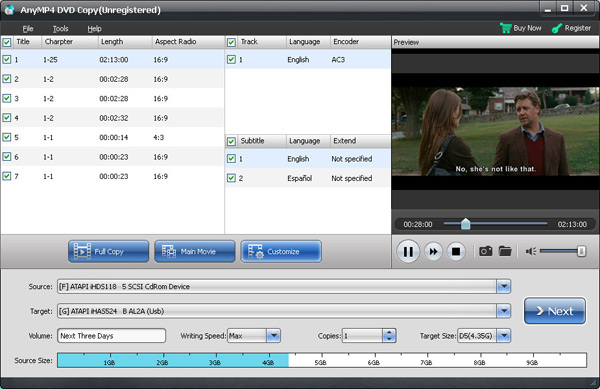
Apart from the rich copy methods supported by this tool, iCoolsoft DVD Copy also provides flexible copy settings. You can choose DVD copy mode from Full Disc or Main Movie, Include Menu or Skip Menu, select subtitle and audio track from the available ones.
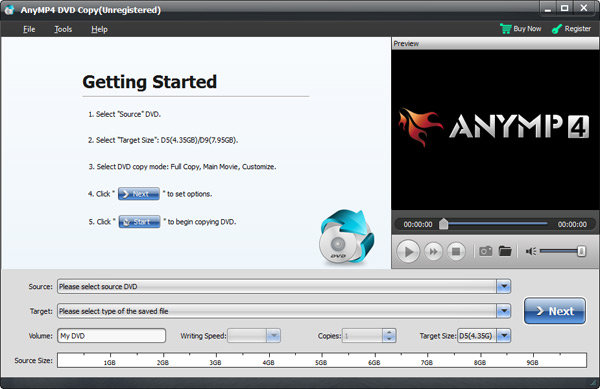
Besides, this DVD copier owns a built-in player for you to preview the input/output DVD videos in order to avoid making mistakes when editing or burning the DVDs.
| DVD | DVD Disc, DVD Folder, DVD ISO image File |
|---|
Rip DVD movies and convert DVD to all popular video formats like AVI, DivX, MKV, MP4, WMV, etc. and HD videos such as HD AVI, HD H.264, HD WMV, etc.
Learn More >>
Create DVD disc/folder/ISO image file from video formats like MP4, AVI, MKV, etc. as well as HD video formats with multiple DVD menu templates.
Learn More >>
Convert video and DVD discs/folders/ISO files to 2D/3D/HD videos and audios you want. Download online videos like YouTube, Vevo, Facebook, etc.
Learn More >>