
- Store
BD/DVD
Video
Mobile
- Windows Software
- iPhone Data Recovery
- iPhone Transfer
- Mac software
- iPhone Data Recovery for Mac
- iPhone Manager for Mac
PDF
- Windows Software
- PDF Converter Ultimate
- Mac software
- PDF Converter for Mac
Freeware
- Support
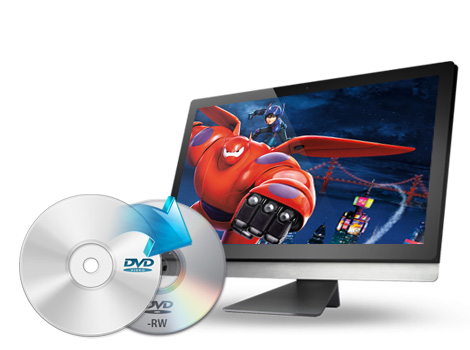
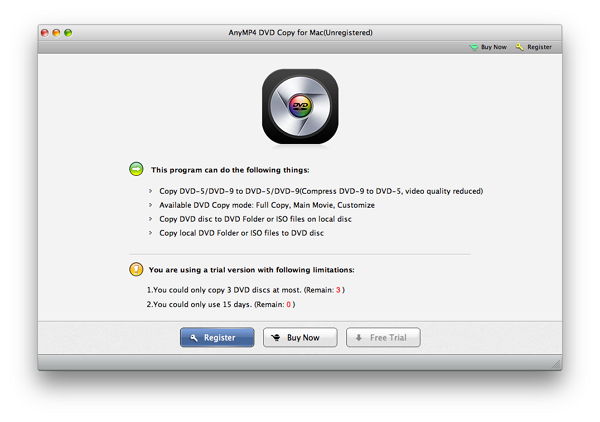
This Mac DVD copy has the capability to copying DVD to a new disc in 1:1 ratio or compress mode (supporting DVD-5 to DVD-5, DVD-9 to DVD-9, and DVD-9 to DVD-5). In addition, with this DVD Burning Software for Mac, you are able to copy movies from DVD disc and save as DVD folder or ISO image files on Mac with excellent quality.
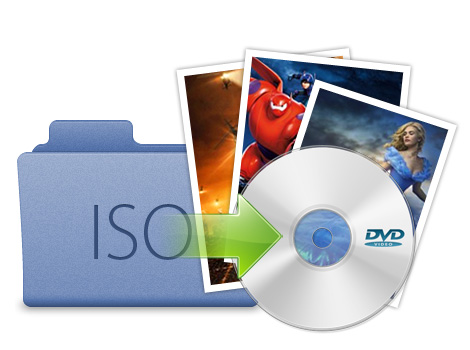
Apart from coping DVD function, you can use this Mac DVD Copier to burn DVD folder or ISO image files to any blank DVD disc, including DVD+R/RW, DVD-R/RW, DVD+R DL and DVD-R DL. It is the best Mac DVD Burning software to backup DVD disc and burn DVD disc.
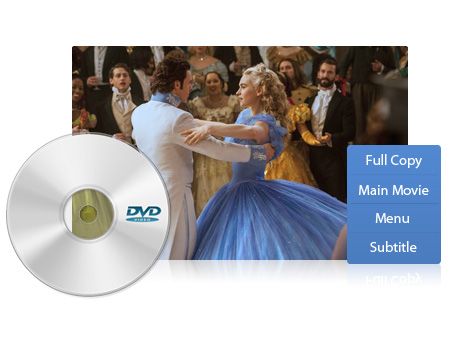
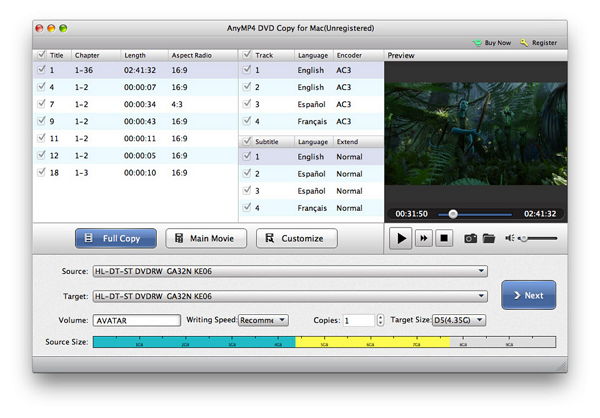
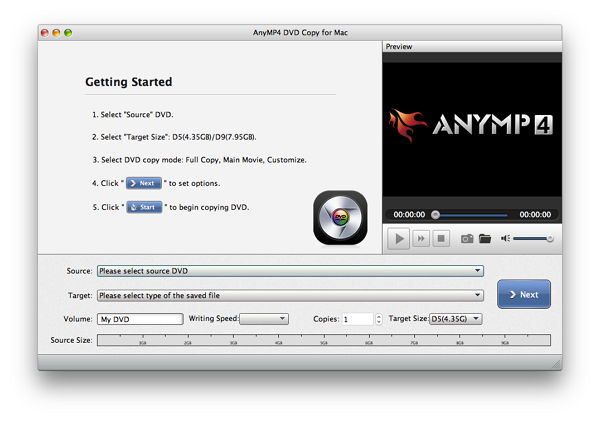
This Mac DVD Burner provides you with three copy modes including Full Copy, Main Movie and Customized to facilitate your copying. You can copy full movies or only copy main movies; also you can select the titles that you need to copy.
Moreover, this DVD Copy for Mac allows you to choose subtitle and audio track for the output DVD. You can also rename DVD volume as you want.
This DVD Copy for Mac supports all DVD disc types and most DVD players and burners from any vendor. It is the most powerful and easy to use DVD copy tool for all Mac users. Besides, this DVD copier owns a built-in player for you to preview the input/output DVD videos in order to avoid making mistakes when editing or burning the DVDs.
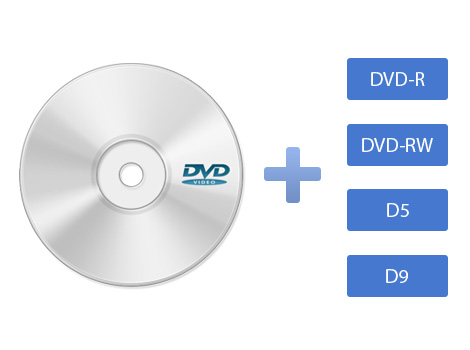
| DVD | DVD Disc, DVD Folder, DVD ISO image File |
|---|
Create DVD disc, DVD folder, DVD ISO image file from any popular video formats like MTS, TS, M2TS, AVI, MP4, WMV, FLV and more on Mac.
Learn More >>
Convert DVD movies and video to any popular SD and HD video formats like MP4, MOV, M4V, AVI, WMV, MKV, FLV, Xvid, DivX, and audio formats.
Learn More >>
The best DVD Ripper for Mac users to rip any DVD disc to MP4, AVI, WMV, MOV, MKV, M4V, 3GP, AMV, RMVB, FLV, SWF and more on Mac.
Learn More >>