
- Store
BD/DVD
Video
Mobile
- Windows Software
- iPhone Data Recovery
- iPhone Transfer
- Mac software
- iPhone Data Recovery for Mac
- iPhone Manager for Mac
PDF
- Windows Software
- PDF Converter Ultimate
- Mac software
- PDF Converter for Mac
Freeware
- Support
It helps you convert any video files like MTS, MP4, AVI, MKV, M4V, MOV, WMV, FLV, and others to 2D/3D videos and popular audio files. It supports batch conversion and multiple eidting functions.
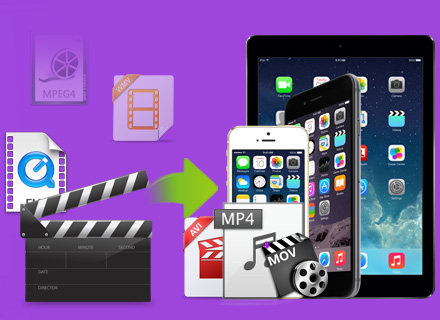
iCoolsoft Total Video Converter is much more than a video converter, which can help you convert video files between popular common and HD video formats like MP4, AVI, MKV, M4V, MOV, MTS, FLV, 3GP and more.
Besides, this Video Converter also enables you to extract audio files from videos and convert audio formats between MP3, M4A, WMA, WAV, FLV, AAC, AC3, etc.
Moreover, it also provides you with 3D converting function to convert any 2D videos to 3D video files with super fast converting speed.
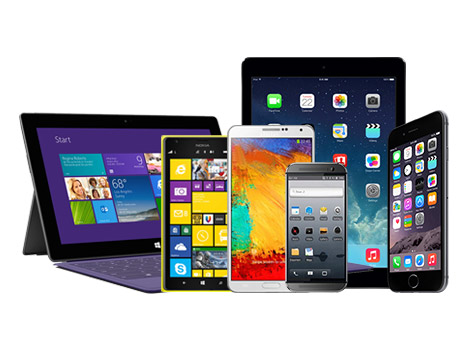
Rich profiles are provided to help you directly get videos optimized for various digital players. You are allowed to convert any video format to MP4, MP3 for playback on iPhone 6/6 plus, iPhone 5s/5c, iPad Air 2/Air/mini 3/mini 2/4/3, iPod touch/nano, Samsung Galaxy Note 3/S5, HTC, Windows phone, so that you can watch favorite videos on the go.

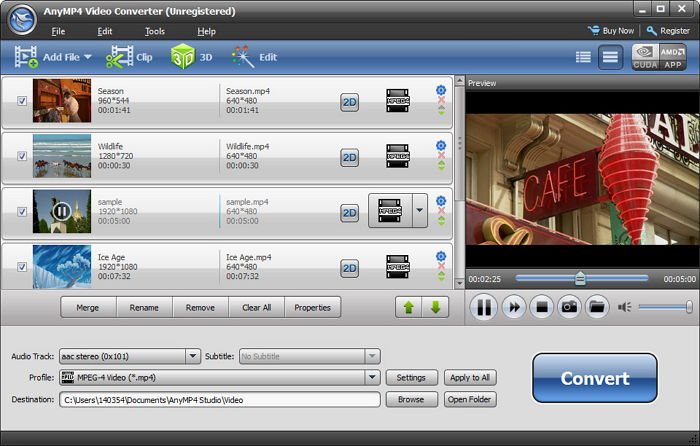
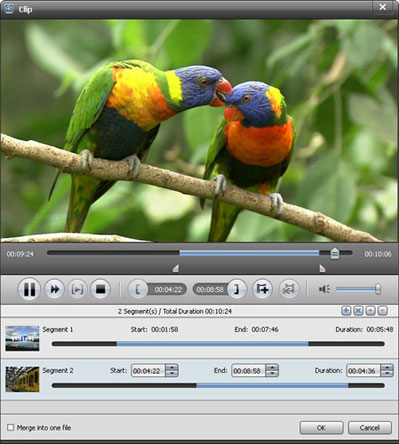
This Video File Converter can help you clip your favorite sections of a video and merge them together to make the new video file you want, crop video playing region, adjust video effect ( video Brightness, Saturation, Contrast, Hue and Volume ), add text/image watermark to the video, and so on.
Besides, you are able to adjust the image and sound quality by setting Video Encoder, Resolution, Frame Rate, Video Bitrate, Audio Encoder, Sample Rate, Channels, Audio Bitrate, etc.

| Video | Standard video formats: MPG, MPEG-1, MPEG-2, MPEG-4, MJPEG, VOB, DAT, MP4, DivX, Xvid, M4V, TS, MTS, M2TS, RM, RMVB, WMV, ASF, MKV, AVI, 3GP, 3G2, F4V, FLV, SWF, MPV, MOD, TOD, QT, MOV, DV, DIF, MJPG, MJPEG, TP, TRP, WebM HD video formats: MTS, TS, M2TS, HD AVI, HD MP4, HD WMV, HD MPG, HD MOV, QuickTime HD MOV, TP, TRP |
|---|---|
| Audio | Standard audio formats: MP3, MP2, AAC, AC3, WAV, WMA, M4A, RM, RAM, OGG, AU, AIF, AIFF, APE, FLAC, CUE |
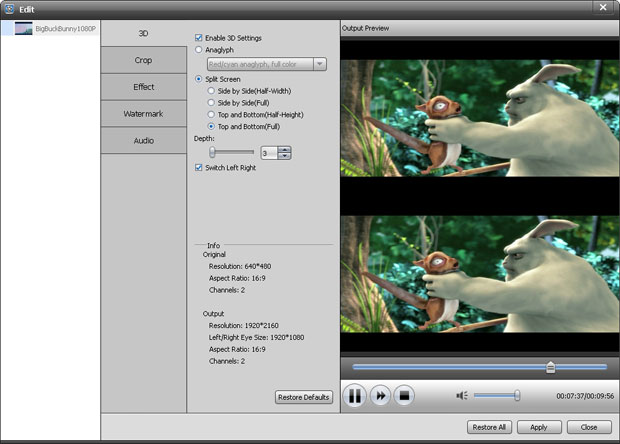
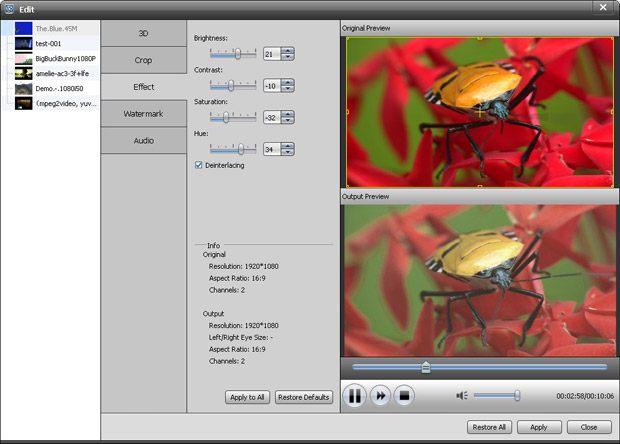
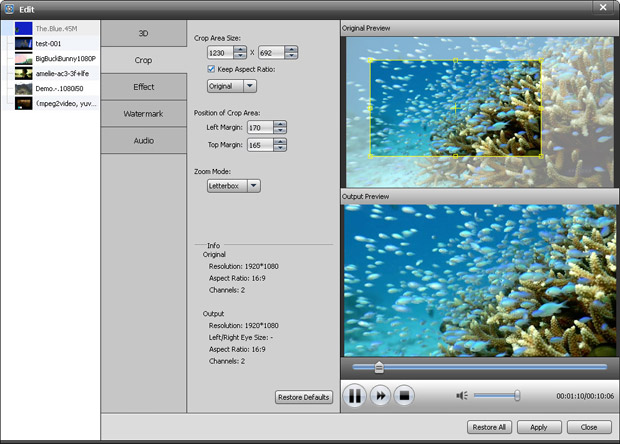
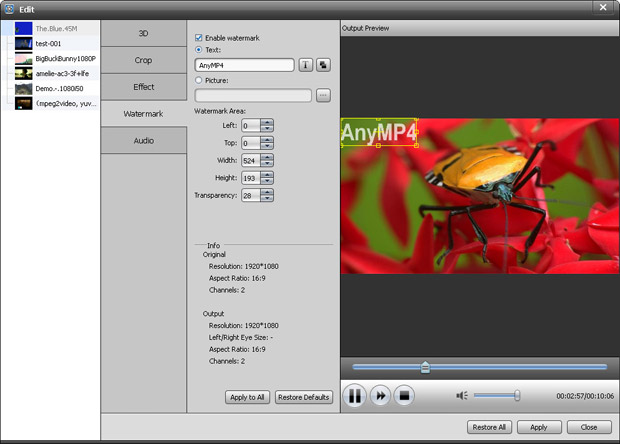
Convert WLMP files to to WMV, MP4, AVI, MOV, FLV, MP3, and other video/audio formats to play on iPhone, upload to YouTube, etc.
Learn More >>
Easily convert MTS, M2TS, TS video files to popular HD videos like HD AVI, HD WMV, HD MP4, HD MKV, HD MPEG, H.264 AVC and general videos.
Learn More >>
Convert almost all HD videos, general videos to MP4 for playback on popular portable devices like iPhone 6/6 Plus, Samsung Galaxy 5, HTC One, etc.
Learn More >>