
- Store
BD/DVD
Video
Mobile
- Windows Software
- iPhone Data Recovery
- iPhone Transfer
- Mac software
- iPhone Data Recovery for Mac
- iPhone Manager for Mac
PDF
- Windows Software
- PDF Converter Ultimate
- Mac software
- PDF Converter for Mac
Freeware
- Support
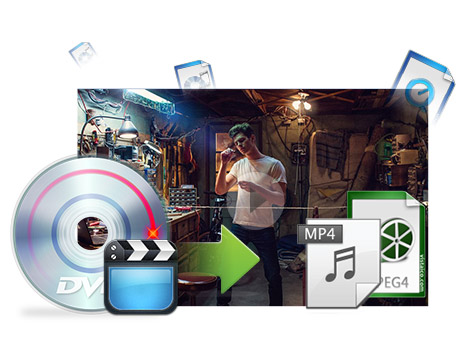
This iCoolsoft MP4 Converter for Mac enables users convert all videos to MPEG-4 or H.264 videos, supporting almost all general videos and HD videos, such as MPEG, MOV, M4V, TS, M2TS, MXF, WMV, AVI, 3GP, FLV, H.264/MPEG-4 AVC, HD AVI, HD MOV, and so on. With this MP4 Converter Mac, you are able to convert DVD to MP4 and even other popular video formats like MOV, AVI, MKV and so forth. Besides, you can extract audios from DVD/video and convert them to your need audio formats like MP3, AC3, M4A, MP2, etc.
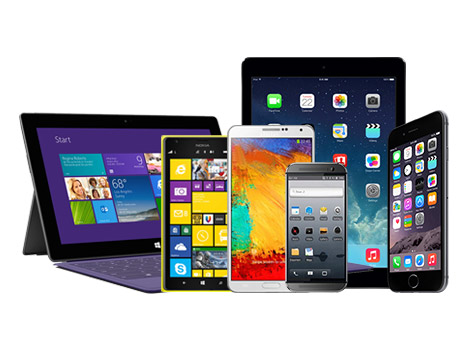
You can directly convert DVD/video for playback on your portable devices like iPhone 6/6 Plus, iPhone 5s/5c/5, iPhone 4S/4, iPad Air, iPad mini, iPod, Apple TV, Xbox 360, BlackBerry, Motorola, LG, Samsung, and other portable players.

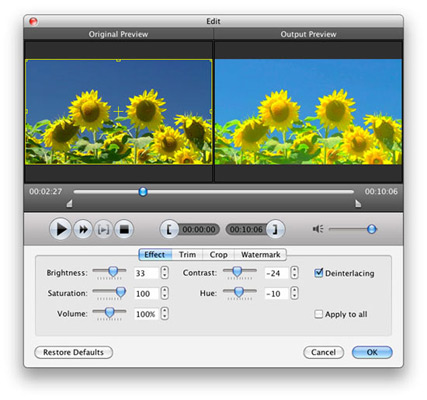
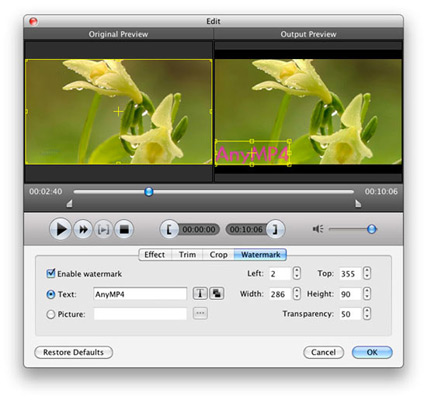
This versatile iCoolsoft MP4 Converter for Mac also helps you edit videos as you want. You can split the source videos into small parts to fit your player, merge multiple clips into one video for successive playback, adjust video Zoom Mode and crop screen area, adjust video effect to optimize the output, add text or image watermark to video, and so on.
Besides providing rich profiles, this tool also enables you to adjust Video Encoder, Resolution, Frame Rate, Video Bitrate, Audio Encoder, Sample Rate, Channels, Audio Bitrate to get customized videos. The modified profile can be saved as your own one for your handier usage in the future.
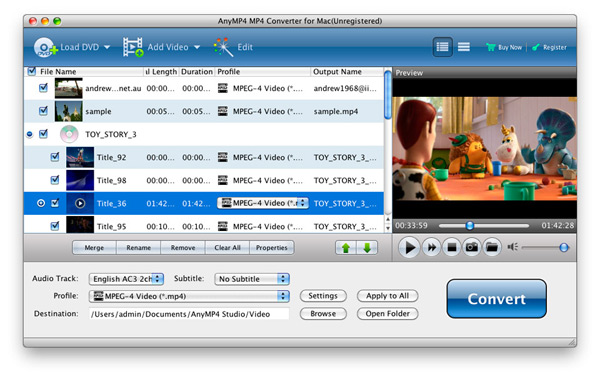
You can set different output formats for each video in the file list, or convert all of them to one designated format. Audio Track and Subtitle are selectable from the available ones. You are allowed to preview source videos, quickly capture picture and save as JPEG, GIF, BMP image files. Besides, it supports batch conversion.

| DVD | DVD Disc, DVD Folder, DVD ISO image File |
|---|---|
| Video | Standard video formats: TS, MTS, M2TS, MXF, TRP, TP, MP4, M4V, QT, MOV, MPG, MPEG, MPEG2, MPEG4, MJPG, MJPEG, AVI, 3GP, 3G2, FLV, MOD, TOD, RM, RMVB, WMV, ASF, MKV, SWF, F4V, VOB, DAT, DV, DIF, OGM, WTV, DVR-MS, Bink video, WebM HD video formats: MTS, TS, M2TS, TP, TRP, HD MPG, HD MPEG, HD MPEG2, HD MPEG4, HD MP4, HD WMV, QuickTime HD MOV |
| Audio | Standard audio formats: FLAC, WAV, WMA, MP3, MP2, AAC, AC3, AIFF, APE, CAF, MPC, QCP, OGG, M4A, M4B, AUD, MKA, AIFC, RA, RAM, AU, AIF, CUE |
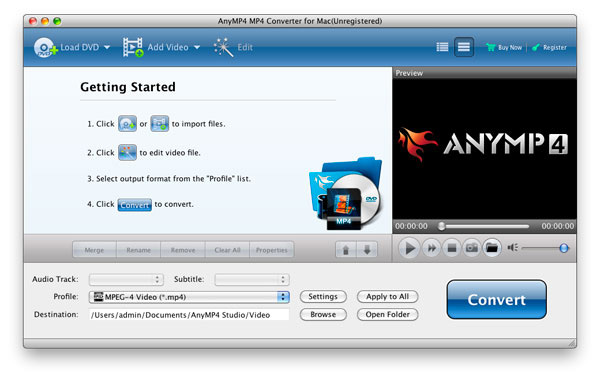

The comprehensive Video Converter to convert video/DVD to HD/3D videos and audio formats, download and convert online videos like YouTube.
Learn More >>
The best Blu-ray media player for Mac users to play Blu-ray disc, Blu-ray Folder, Blu-ray ISO image files and 1080p HD videos on Mac.
Learn More >>
Create DVD disc/folder/ISO image file from video formats like MP4, AVI, MKV, etc. as well as HD video formats with multiple DVD menu templates.
Learn More >>