
- Store
BD/DVD
Video
Mobile
- Windows Software
- iPhone Data Recovery
- iPhone Transfer
- Mac software
- iPhone Data Recovery for Mac
- iPhone Manager for Mac
PDF
- Windows Software
- PDF Converter Ultimate
- Mac software
- PDF Converter for Mac
Freeware
- Support
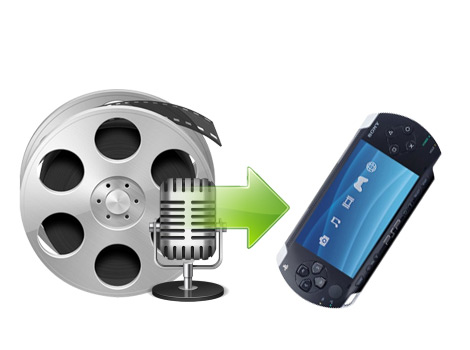
The powerful iCoolsoft PSP Movie Converter can convert comprehensive video/audio formats, such as TS, M2TS, HD MPEG, HD WMV, TOD HD video, AVI, WMV, ASF, MOV, RMVB, MPEG, FLV, MKV, 3GP, MP4 video, MP3, AAC, AC3, M4A, WMA, OGG audio, and more to PSP video and audio formats.
MPEG-4, H.264 encoded PSP, PSP 3000 videos are supported, PS3 video, Sony Walkman, Sony XPERIA, and popular video/audio formats (AVI, WMV, DivX, Xvid, etc.) are also supported as the output.
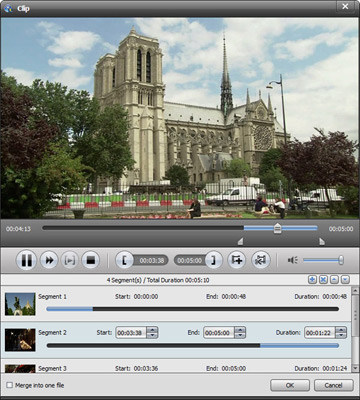
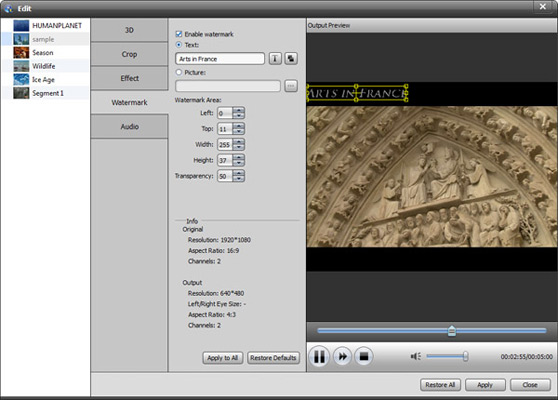
It enables you to adjust encoding settings to customize the PSP video quality before converting. You are even allowed to split video to fit your PSP capacity, or edit videos by cropping, merging, adjusting effect, adding watermark, etc.
Also this tool allow you to convert psp movies with subtitles as it can recognize the built-in audio tracks and subtitles in source video and list them for you to choose for output. And you are allowed to adjust Video Encoder, Resolution, Frame Rate, Video Bitrate, Audio Encoder, Sample Rate, Channels, Audio Bitrate and more.


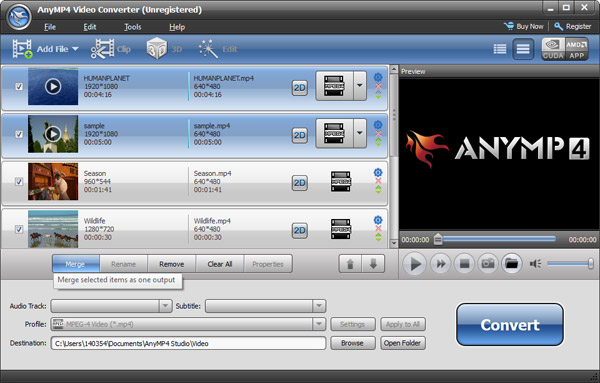
Plentiful profiles are integrated, all menus are smartly organized in the best PSP Movie Converter, and it only needs you several clicks to finish all the psp movie editing and converting tasks. It also allows you to preview all source videos and quickly save the current screen as JPEG, GIF or BMP files.
All professional decoder and MPEG-4/H.264 encoder are built in, this tool fully support Dual/Quad-Core CPU and multithreading, that ensures the fastest conversion speed. With this iCoolsoft PSP Movie Converter, you can watch all videos on PSP, PSP 2000, PSP 3000, PSP Go, PSP Vita, PS3 and other devices.
| Video | Standard video formats: TS, MTS, M2TS, MXF, TRP, TP, MP4, M4V, QT, MOV, MPG, MPEG, MPEG2, MPEG4, MJPG, MJPEG, AVI, 3GP, 3G2, FLV, MOD, TOD, RM, RMVB, WMV, ASF, MKV, SWF, F4V, VOB, DAT, DV, DIF, OGM, WTV, DVR-MS, Bink video, WebM HD video formats: MTS, TS, M2TS, TP, TRP, HD MPG, HD MPEG, HD MPEG2, HD MPEG4, HD MP4, HD WMV, QuickTime HD MOV |
|---|---|
| Audio | Standard audio formats: MP3, MP2, AAC, AC3, WAV, WMA, M4A, RM, RAM, OGG, AU, AIF, AIFF, APE, FLAC, CUE |
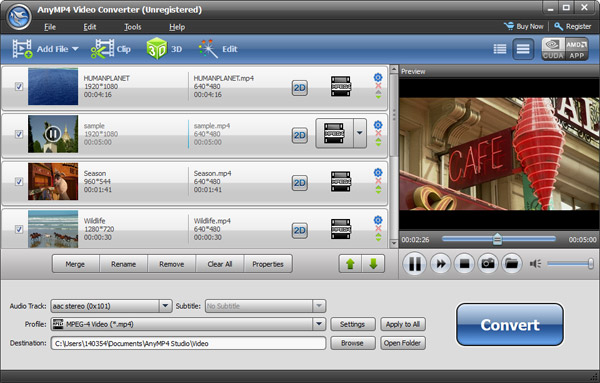
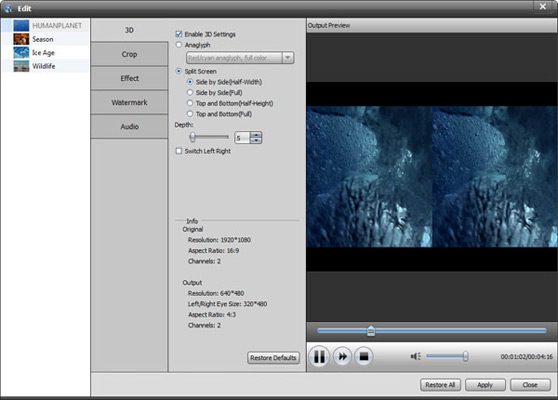
It is the versatile video/DVD Converter to convert all common/HD video files and DVD discs/folders/IFO files to any video format you want.
Learn More >>
The all-in-one player to play Blu-ray discs, Blu-ray folders and ISO image files, and any media file including 1080p HD videos and AVCHD videos smoothly.
Learn More >>
Create DVD disc/folder/ISO image file from video formats like MP4, AVI, MKV, etc. as well as HD video formats with multiple DVD menu templates.
Learn More >>