
- Store
BD/DVD
Video
Mobile
- Windows Software
- iPhone Data Recovery
- iPhone Transfer
- Mac software
- iPhone Data Recovery for Mac
- iPhone Manager for Mac
PDF
- Windows Software
- PDF Converter Ultimate
- Mac software
- PDF Converter for Mac
Freeware
- Support
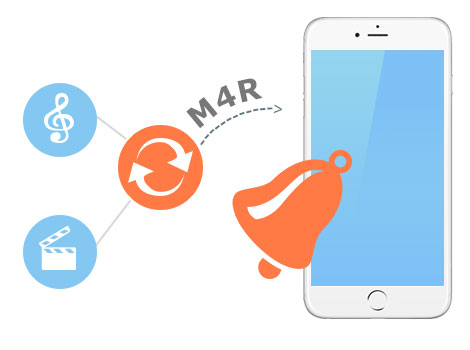
This professional M4R Converter can convert almost all video and audio files to M4R format, such as convert M4A to M4R, convert WAV to M4R or convert MP3 to M4R. Other supported video/audio formats like AVI, WMV, ASF, MPEG, MOV, RMVB, FLV, MP4, 3GP, H.264, MKV, AAC, AC3, AIFF, AMR, AU, FLAC, MP2, OGG, MKA, WAV and so on.
Besides, with this M4R Audio Converter, you can also use it to convert iPhone M4R ringtones to MP3, WMA, OGG and other files for your using on other portable players. M4R Converter is the best tool to convert M4R files and convert files to M4R.
Editing function is also provided by this M4R Converter for you to easily create personalized ringtone. It is the best MP3 M4R Converter for you to make your own iPhone ringtone from songs, movies and other files. You are able split the source file to get your favorite segment to convert, and merge multiple files into one file for output. This M4R Ringtones Converter allows you to select the output format and adjust the sound quality.


When converting video to M4R, you are allowed to select the audio track to get any sound track as you want. Snapshot function is also provided for you to easily create album cover or thumbnail for your audio files. You are even allowed to set different output formats for the input files, and finish the conversions at a time.

| Video | Standard video formats: MPG, MPEG-1, MPEG-2, MPEG-4, MJPEG, VOB, DAT, MP4, DivX, Xvid, M4V, TS, MTS, M2TS, RM, RMVB, WMV, ASF, MKV, AVI, 3GP, 3G2, F4V, FLV, SWF, MPV, MOD, TOD, QT, MOV, DV, DIF, MJPG, MJPEG, TP, TRP, WebM HD video formats: MTS, TS, M2TS, HD AVI, HD MP4, HD WMV, HD MPG, HD MOV, QuickTime HD MOV, TP, TRP |
|---|---|
| Audio | Standard audio formats: MP3, MP2, AAC, AC3, WAV, WMA, M4A, RM, RAM, OGG, AU, AIF, AIFF, APE, FLAC, CUE |
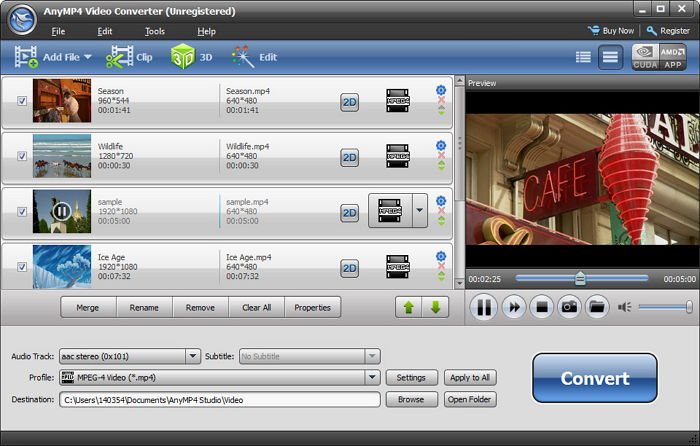
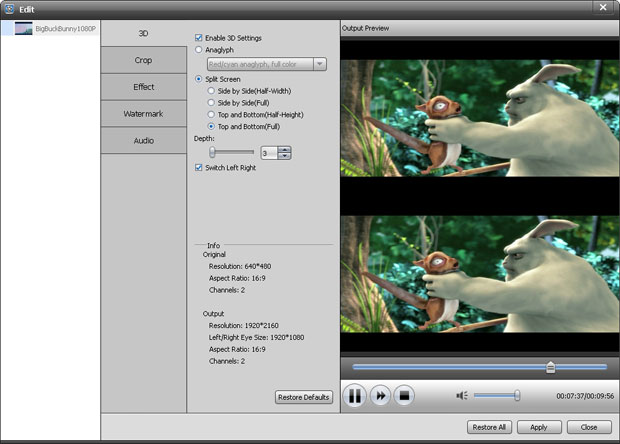
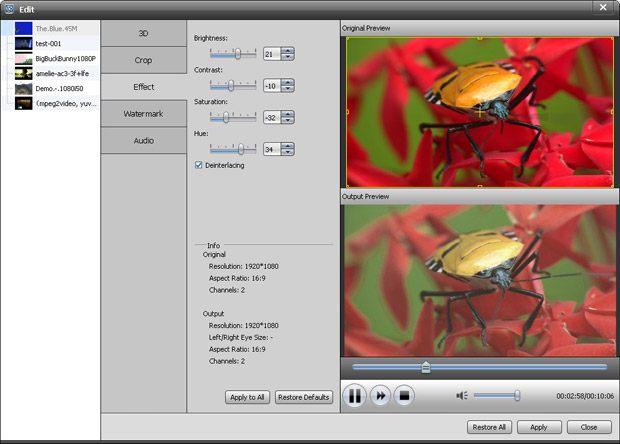
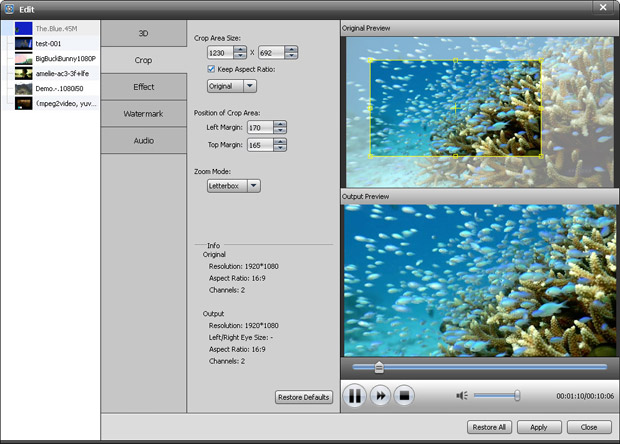
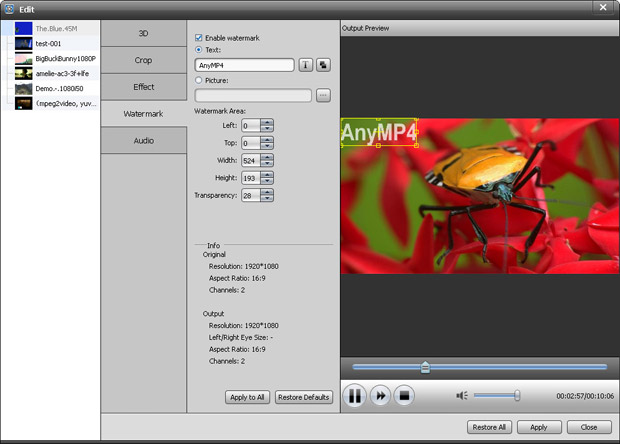
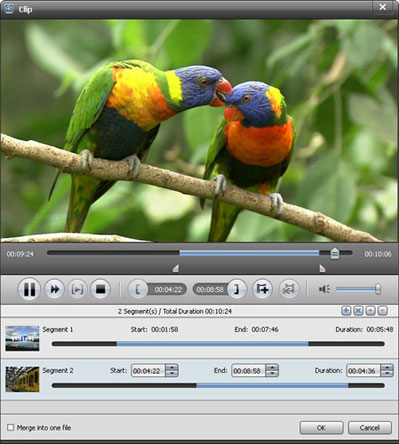
It is the versatile video/DVD Converter to convert all common/HD video files and DVD discs/folders/IFO files to any video format you want.
Learn More >>
Easily convert MTS, M2TS, TS video files to popular HD videos like HD AVI, HD WMV, HD MP4, HD MKV, HD MPEG, H.264 AVC and general videos.
Learn More >>
Convert almost all HD videos, general videos to MP4 for playback on popular portable devices like iPhone 6/6 Plus, Samsung Galaxy 5, HTC One, etc.
Learn More >>