



How to Manage Files for iPad on Mac?
Do you want a powerful software to manage all files in your iPad? It is iCoolsoft iPad Manager for Mac can help you. This iPad Manager for Mac supports most video, audio, photo files and folders. You can backup iPad video and audio files. It even helps convert DVD and video/audio to iPad supported format before transfer. Users can also creat your presonalized ringtone.
With iCoolsoft iPad Manager for Mac, you can enjoy your iPad easily.
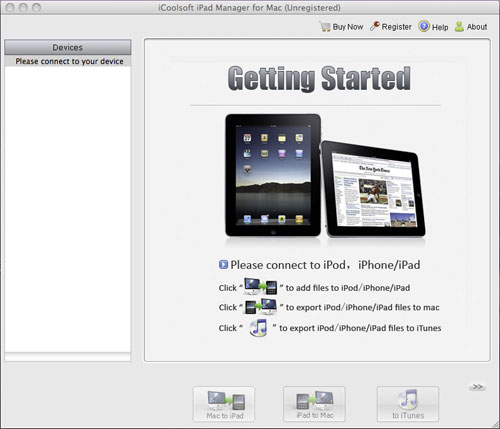
Preparations:
Download the program installation file icoolsoft-ipad-manager-for-mac.dmg. Double click the downloaded .dmg file and you will see a popped up window with an iCoolsoft iPad Manager for Mac.pkg icon in it. Follow the steps to finish the installation.
Double click the icon on your desktop iCoolsoft iPad Manager for Mac.app and the program will be launched.
Connect your iPad to Mac.
Import files from Mac to iPad.
1). Click "Music", "Video" or "Picture" according to your need from the "Devices" column.
2). Click button  and choose the file you want to import from your Mac.
3). Click "Open" and then the file will be imported to your iPad within a few seconds.
Backup iPad files to Mac.
1). Select "Music", "Video" or "Picture" and click the file you want to backup from the file list.
2). Click button  , specify the destination, and click button "Open".
